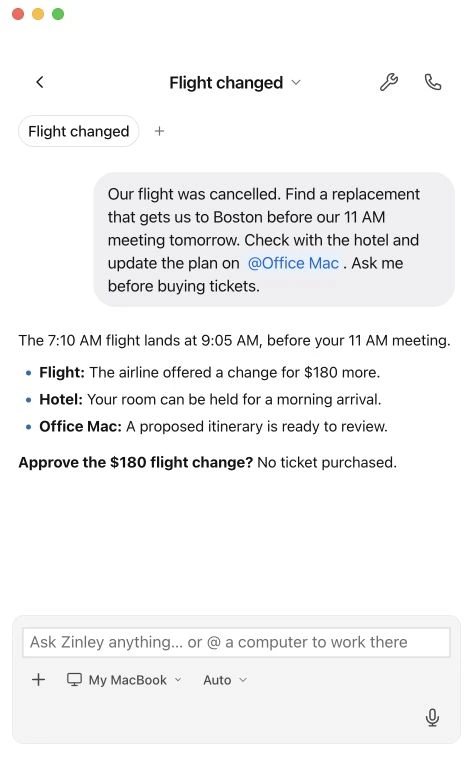
Plans change. It follows through.
Move a flexible appointment, check the details, and follow up with the people involved.
Hand over the follow-ups, changing plans, and unfinished tasks. Your personal AI works with the context and tools you allow.
Own email + optional phone
Everyday help
Move a flexible appointment, check the details, and follow up with the people involved.
Continues on Zinley Computer when enabled while your devices sleep
Find an approved file, prepare the update, and ask before sharing something sensitive.
Start with one thing
Give Zinley the outcome, the timing, and anything it should leave alone.
Choose the calendars, apps, files, and computers it may use.
Review the result, change the plan, or give the next instruction.
Always yours to steer
Change the instructions. Review the result. Decide what it can do next.
Routine work within the access and instructions you have approved.
New commitments, sensitive files, or spending outside your rules.
Access to an unapproved account, folder, or device.
For work on your computer, keep it online with Zinley running and access enabled. Zinley Computer can handle supported cloud work, but cannot access files on an offline device.
Review the source of personal context, correct it, or remove it. Learning your preferences does not give Zinley new permissions.
Open History for calls, emails, and receipts. Call and email history depends on your plan; recordings and transcripts may expire. Receipts remain available outside that viewing window.
Yes. Adjust its instructions, access, and approval boundaries as you go. Review important results, because AI can make mistakes.
Phone calls require an active line. Text and other messaging channels have their own setup. A dedicated calling number does not automatically provide a dedicated SMS inbox.
Meet the personal AI you can make your own.
Get your Zinley