How does Zinley compare with ChatGPT dots, Claude Duet, Instinct, Wabi and Tomo?+
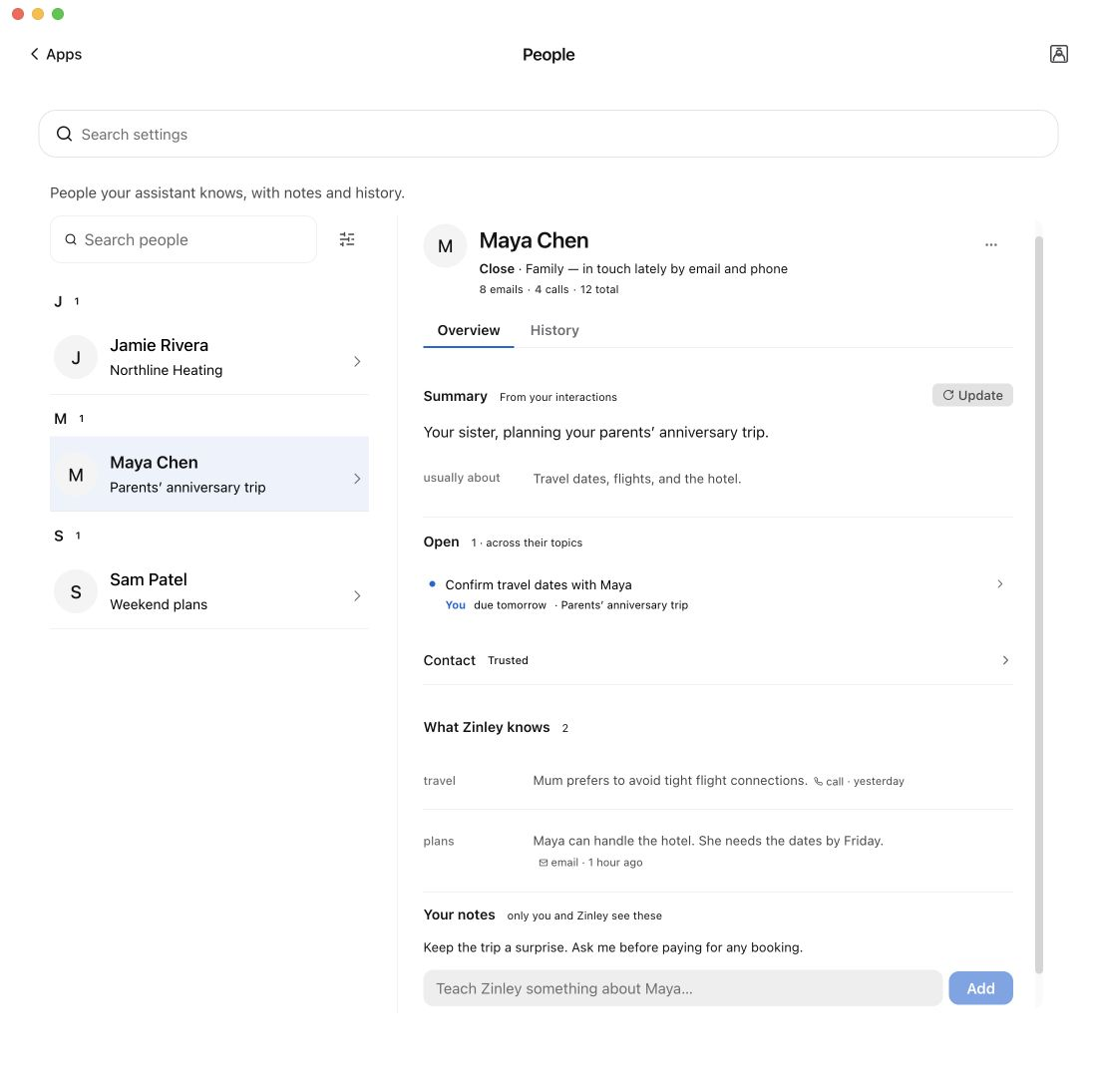
Zinley brings your Health, News, people and ongoing work into one personal agent, with its own email and optional calling number. It can turn a health check-in into an authorized errand, a story into an ongoing watch, or a customer request into a follow-up you can inspect.
Can my Zinley have its own identity and business line?+
Yes. Give it its own name and email, with an optional dedicated calling number you can share or forward calls to. Use it for customer enquiries, appointments and follow-ups while keeping your personal number separate. You set its authority and can review the conversations.
With your permission, it connects measurements with your usual patterns, schedule and earlier check-ins. It can ask how you feel, suggest a practical next step, and follow up on an errand you authorize. It supports wellbeing, not medical diagnosis or emergency monitoring.
Authorize a check-in call, review what was said, and ask Zinley to follow up. Shared health data can support a separate family profile with permission. A check-in does not give it access to someone’s private health records.
How can it help a busy student?+
Give it your timetable and a concrete brief: arrange an advisor meeting, follow up on an application, or coordinate a group deadline. Zinley can handle the permitted messages and scheduling, keep track of replies, and return with the outcome.
What makes News useful for my life?+
Stories connect to your interests, plans and goals, with original sources and your agent’s perspective kept distinct. Ask a question right under a story, request an action, or start a watch for changes that matter.
Personal newsCan it handle a tenant’s repair call while I’m flying?+
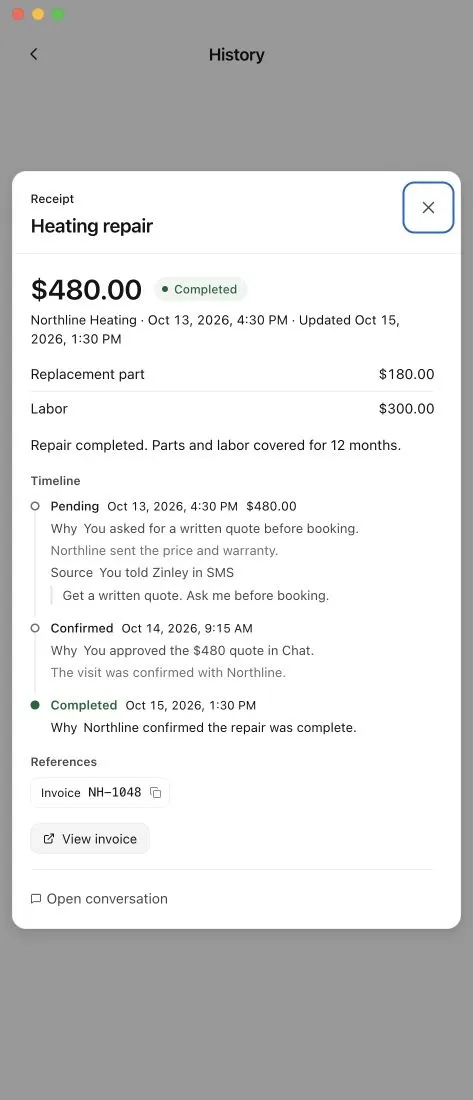
With its calling line enabled and your instructions in place, Zinley can recognize a known tenant, contact your saved maintenance provider and coordinate within your limits. It can follow up for confirmation, then leave a brief with the related calls and messages for you to review.
What does my personal device network do?+
Ask from your phone and delegate work to Zinley’s own computer or an approved desktop. Its cloud computer can keep working while your laptop is off. Work on your own files and apps needs the relevant device online and access enabled.
See the calls, emails, actions and available receipts behind a task. Set what it may do alone and when it must ask; correct or remove remembered details, and change its access when you need to.